
Start with the submitted number
Enter the number your workflow wants to check.
Enter one number and get the answer instantly: whether it's registered on WhatsApp and, with the avatar check, the profile photo it uses. The dashboard and the REST API return the same result.
 Try a WhatsApp check without signing in
No sign-in required.
Submit one number in the dashboard and it answers instantly, or paste several at once; the API returns single and multi checks in the same response. Every path shares one balance and the same WhatsApp verdict.
Enter the number your workflow wants to check.
Registration check (ws) returns registration status, avatar check (ws_avatar) adds the avatar, Business check (ws_business) adds the Business account marker.
Single and multi checks return JSON in the same response for your workflow to read immediately.
Two realtime checks cover most workflows: registration status, or registration plus the profile photo. Business account detection is also available. Every check is priced per number.
Confirm whether a number is registered on WhatsApp — useful for checking a contact list before you send.
Check whether a number is registered on WhatsApp and return the avatar fields: avatar (whether one was obtained) and avatar_url.
Check registration and identify whether the number uses a WhatsApp Business account.
Check registration and available account details before outreach, record updates, or automated routing.
Check a newly captured number before creating a CRM record, assigning an owner, or starting a consent-aware follow-up.
Enrich contact records on create, review, or update with registration status, avatar and Business account fields — in the same response.
Use the synchronous response in backend rules or support tools when the next action depends on a current WhatsApp signal.
Start with a manual check in the SaaS dashboard or connect the same validation service to your application.
Sign up to access the dashboard and manage your profile and API keys from one place.
Balance is deducted up front for each check. If the check fails or the result is undetermined, the balance is automatically refunded — you only pay for a usable result.
See recent checks, product usage, balance spend, and 7-day trends in the dashboard.
Practical articles on WhatsApp checks, API integration, and verification workflows.
Assess a WhatsApp number lookup tool by its check types, result states, list workflows, documentation, account access, and regional rules.
Read article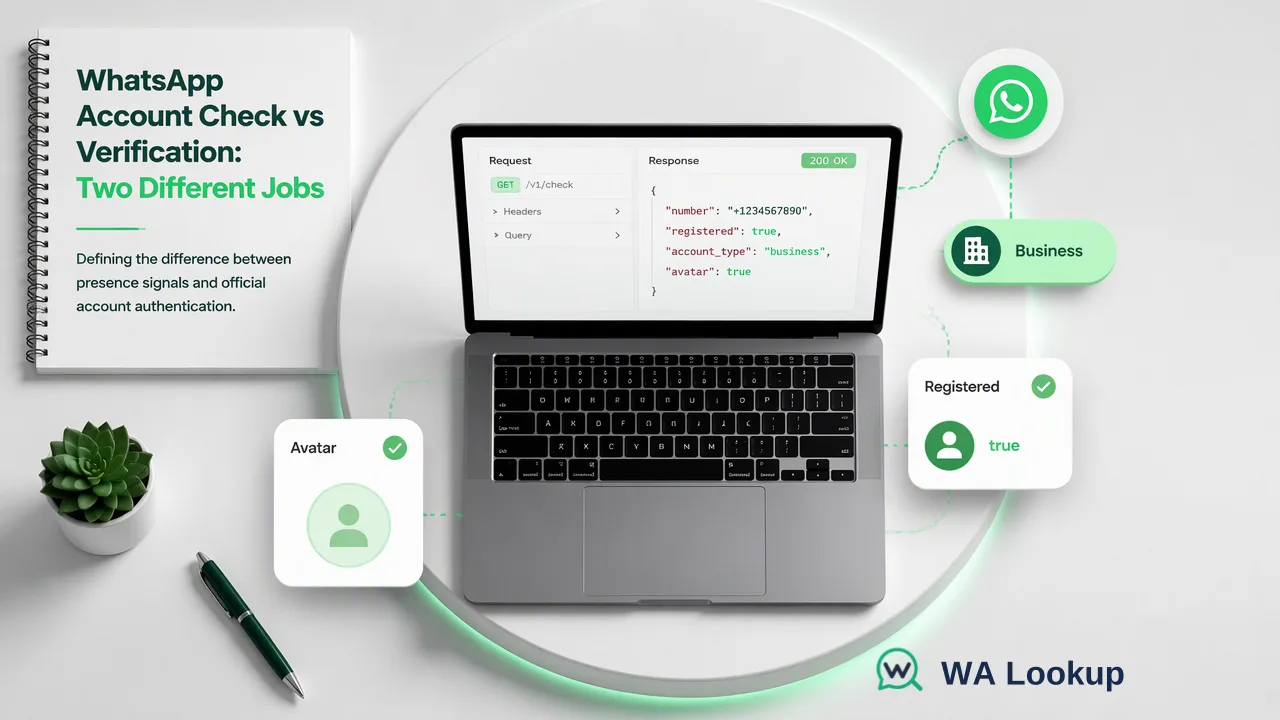
Compare a third-party WhatsApp account-presence check with WhatsApp phone registration and verified business status, then apply each result correctly in CRM work.
Read article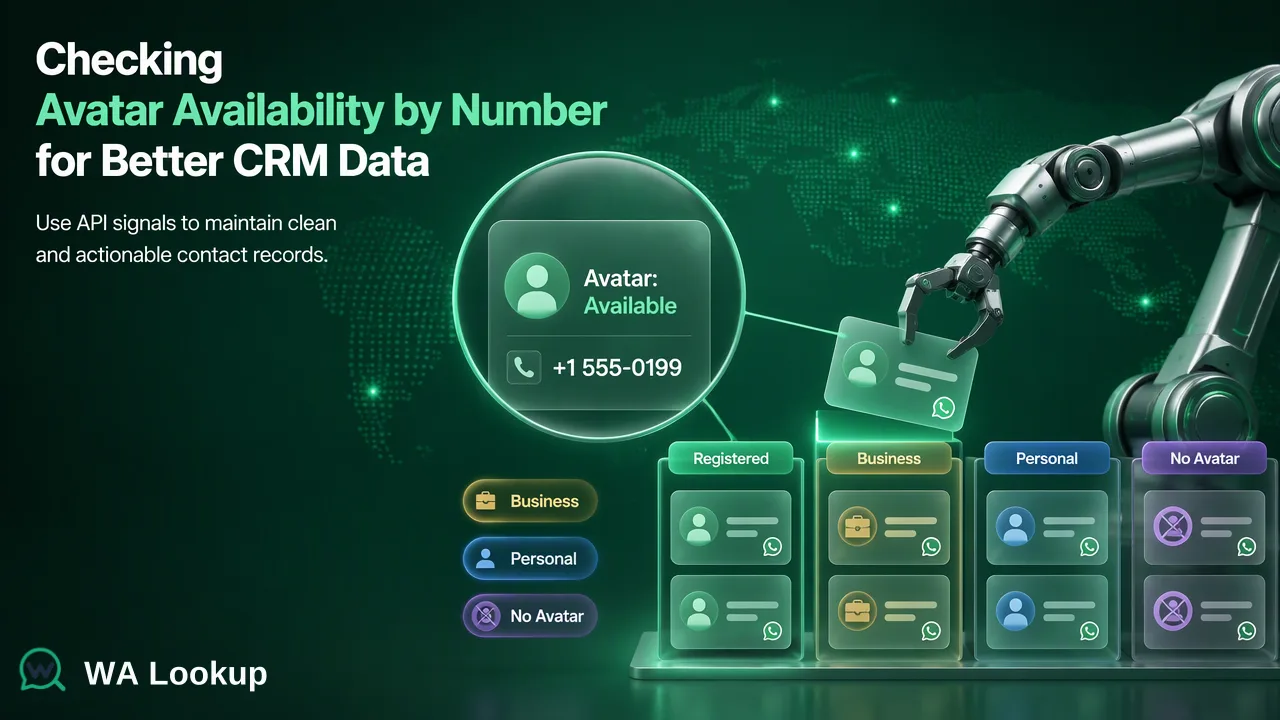
Use WA Lookup’s synchronous Avatar Check to assess WhatsApp profile-image availability, then store registration and avatar observations separately in a CRM.
Read article
Compare the in-app, wa.me link and registration-check methods, read results correctly, and pick the right option for one number or a whole list.
Read article
Why WhatsApp pauses number lookups after many attempts, what to do when it happens, and how business teams check lists without a personal account.
Read article
Which validation rules belong on CRM phone fields, how to order them, and where a dated WhatsApp registration check fits as a channel signal.
Read articleAnswers on WhatsApp products, balance, API access, and failed validations.
Submit one number and WA Lookup returns whether it is registered on WhatsApp in the same response. Three realtime products are available: ws (registration), ws_avatar (registration + avatar URL), ws_business (registration + Business account). There is no task queue, no polling and no callbacks. Message content is never checked.
Yes. Once a number is submitted, the result comes back in the same HTTP response — no task queue, no polling, no callbacks — and a single number typically answers in about a second. The dashboard, the single-number API and the synchronous multi-number API all run the same WhatsApp verdict against the same balance, so they agree. Each result reflects registration status at the moment of the check; run the check again whenever you need a current answer.
No. A check never sends a message, call, or notification to the number, and the owner cannot see that it was checked.
No. Checks run on WA Lookup's own infrastructure. You never sign in to WhatsApp or scan a QR code, so your own WhatsApp account is not involved and is not at risk.
Permanent balance is a one-time purchase and does not renew. 30-day plan balance is valid for 30 days from payment; unused balance expires at the end of the current cycle. Plans renew automatically every 30 days until you turn off auto-renewal. Turning it off stops future charges; the current plan stays usable until it expires. Checks that fail or are undetermined are refunded to the relevant wallet.
Create a free account — 100 free checks are added to it automatically when you sign up. You can top up at any time.
Permanent top-ups can be paid by credit card, other supported card payments, or cryptocurrency. 30-day plans use secure hosted card checkout and renew every 30 days. Card payments carry no extra fee. Cryptocurrency may include a service fee, shown at checkout.
Create an API key in Settings, then POST to /api/v1/check with the X-API-Key header, a number and a service_type (ws, ws_avatar or ws_business). The registration result comes back in that same JSON response; several numbers can be sent together through the synchronous multi endpoint.
No. A result reports the WhatsApp status fields available at the time of the check. You remain responsible for consent, recipient preferences, and applicable platform rules before contacting anyone.